

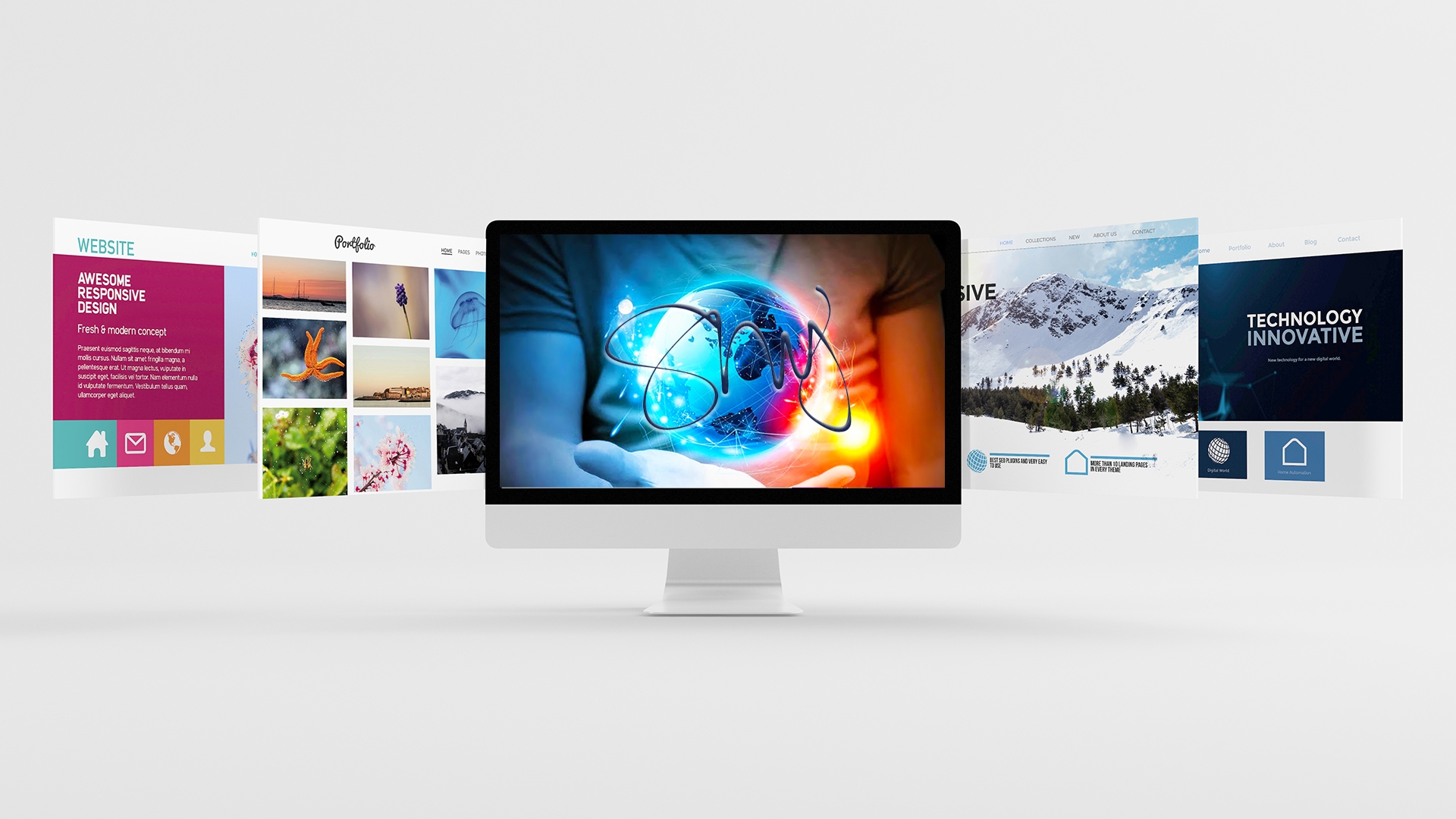

29 Oct Your Website Has to Work Everywhere: Phone, Tablet, Desktop, and Beyond
Part 5 of UX Foundations for Small Business Websites — a series on the UX principles I use in client work.
Here’s a scene I think about every time I build a site. It’s festival day. A family is in the car on the way to NC Freedom Fest, and the passenger is on their phone trying to answer three questions: what time does the next act start, where do we park, and can we bring chairs? Sun on the screen, one thumb free, cars behind them.
Nothing about that moment resembles the way the site was approved — on a desktop monitor, in a quiet office, with a mouse.
That gap has a name in my work: the platform gap. A platform is simply the kind of device and setup someone is using — phone, tablet, laptop, desktop, a big TV in a lobby, a kiosk — and each one changes what a good experience looks like. Same website, same person, completely different conditions.
Shrinking the desktop site doesn’t work — and everybody’s tried it
The old approach to mobile was: build the real website, then squeeze it until it technically fits on a phone. The result is familiar to anyone who has ever pinched and zoomed their way through a PDF menu: tiny text, buttons made for a mouse pointer instead of a thumb, and a checkout that asks a phone user to type their life story into a form designed for a full keyboard.
Phones aren’t small desktops. The person holding one is usually somewhere else, doing something else, with less time and less patience. So when I design, I start with the phone experience as its own design — biggest actions first, readable type, tap targets a real thumb can hit — and let the desktop version expand from there, instead of the other way around.
That’s exactly the call I made on my own redesign. I replaced a heavy multi-slide homepage with a single clear hero and a scrolling portfolio strip. On a desktop, a slider looks impressive. On a phone, in a parking lot, it’s weight — slower loads, moving text, and three messages competing before the visitor has read one. One strong message, fast, beats three fancy ones, late.
What actually changes between platforms
A few of the differences I design for on every project:
- Hands and pointers. A mouse can hit a tiny link. A thumb can’t — especially a thumb in a moving car (as a passenger, I hope) or a hand holding a coffee. Spacing and button size are UX, not decoration.
- Attention. Desktop visitors browse. Phone visitors are usually on a mission — directions, hours, a phone number, a schedule. Mission content goes first on mobile, even if it sits lower on desktop.
- Connection. Not everybody is on fast Wi-Fi. Eastern NC has plenty of places where a phone is working hard for two bars. Heavy images and auto-playing video don’t just slow a site down there — they effectively close it. Speed is a platform feature.
- Context of the room. A church member rewatching a service on a TV, a volunteer checking in on a tablet at a United Way event, a sponsor reviewing a festival package on a work laptop — the “best” layout is different in each room, and a good design adapts instead of insisting.
One website, honestly adapted
I want to be clear about what I’m not saying: you don’t need four separate websites. You need one website, built responsively, where the experience is thought through per platform instead of accidentally inherited from the desktop version.
In practice that means testing the way your customers actually arrive. Before a site launches, I work the important errands — call, register, donate, buy, find the schedule — on an actual phone, an actual tablet, and a desktop, ideally not all in my office. If an errand is easy in one place and painful in another, it’s not done yet.
Your turn, in five minutes: pick the single most important action on your website. Do it on your phone, somewhere with mediocre signal, using one hand. Time it. Every second and every wrong tap you hit, your customers hit too — and they don’t get paid to be patient about it.
Design for the car, the couch, and the parking lot, and the office takes care of itself.
If your site was designed desktop-first and your customers live on their phones, that’s a fixable problem. Business packages run $2,500–$3,500 and every build I do is mobile-first. Get a free quote or see recent work.
Previous in this series: Accessibility Isn’t Extra · Next: UX Research Without the Guesswork
This article is my own take, in my own words, on UX principles I use in client work — informed in part by completing Google’s Foundations of User Experience (UX) Design course on Coursera. It is not affiliated with or endorsed by Google or Coursera.